Register and activate
This page walks you through account registration, product activation, and Reporting service setup.
Register for OpenLM
Go to the registration page
- Visit the OpenLM website.
- Under the OpenLM Platform section, select Register now.
Select a registration method
You can register in one of two ways:
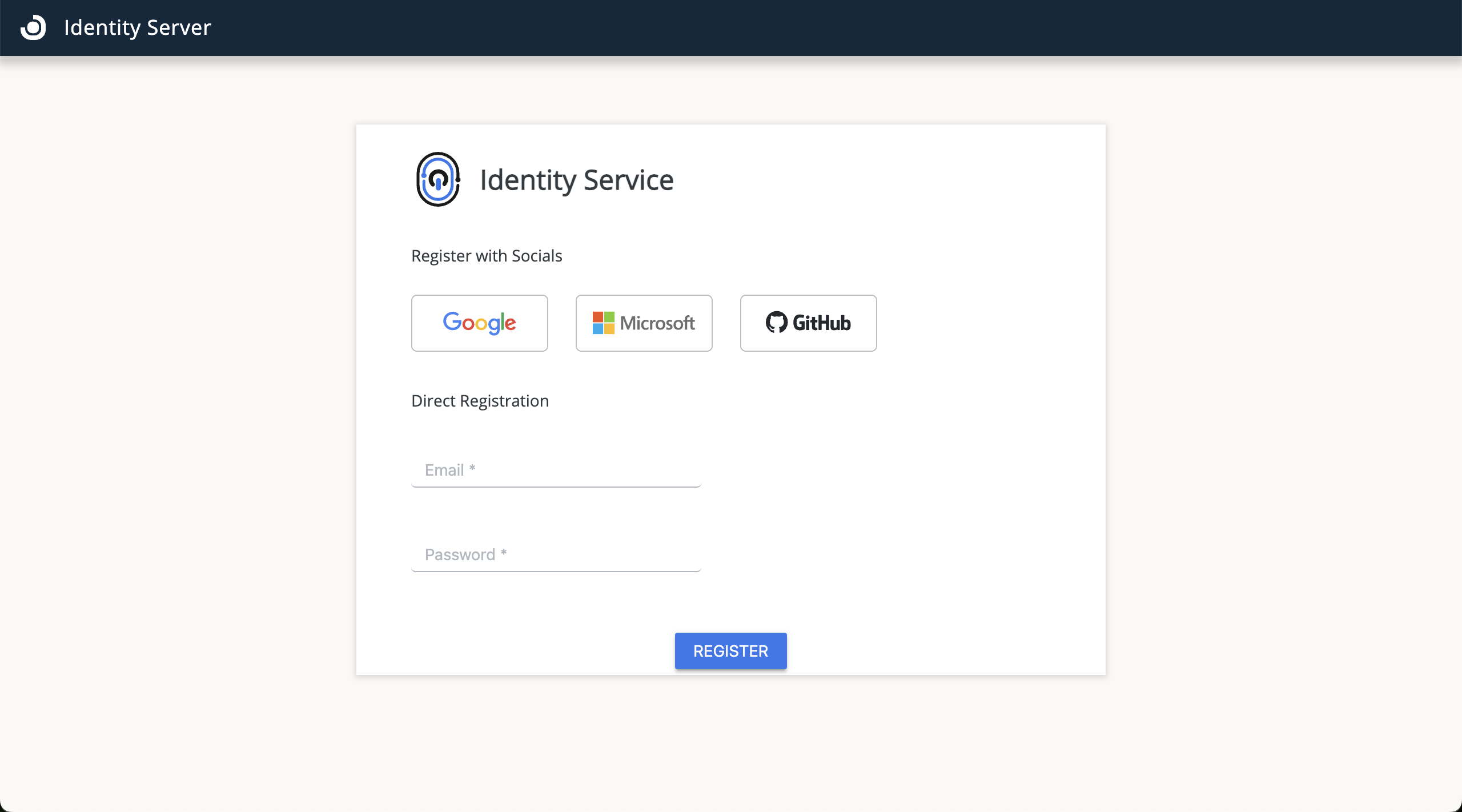 Identity registration screen
-
Social login (Google, Microsoft, or GitHub):
- Select your provider.
- Authenticate using the provider's login page.
- After authentication, you are redirected to the OpenLM homepage and onboarding guide.
-
Direct registration:
- Enter your username and create a password.
- Select Register.
- After registration, select Login to access the system.
- You are redirected to the OpenLM homepage and onboarding guide.
Activate products
Next step
Continue to Authorize components to generate the authorization files your on-premises components need to connect.