OSKA
OpenLM は、信頼性の高いライセンスレポートと使用状況統計を提供するために、OSKA License Manager の監視をサポートしています。OSKA ライセンスサーバーは定期的に XML ファイルを生成し、OpenLM がそれを解析して、使用状況データを OpenLM Web Interface に表示します。
はじめに
-
OpenLM Platform。
-
OSKA と同じマシンにインストールされ、Broker Hub で承認された OpenLM Broker v25.x 以降。
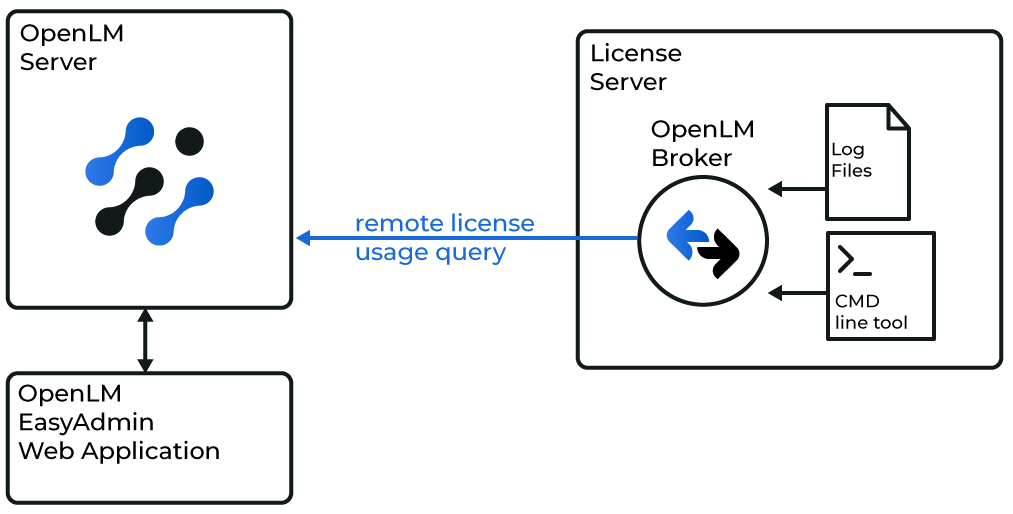
Broker は OSKA ライセンスサーバーをローカルで照会し、データを OpenLM Server に送信します。
 Broker UI での設定
-
Broker UI を開きます:
http://localhost:5090/。 -
License Managers → Add License Manager に移動します。
-
自動検出が失敗した場合は、ライセンスマネージャーのノードを選択し、Add Port をクリックします。
-
新しいライセンスサーバーにポートを追加します。
- oska_server をクリックします。
- Add Port をクリックします。
- OSKA から提供されたポート番号 (例: 12345) を入力します。
- License Manager Type から OpenLM Generic を選択します。
- Apply → OK をクリックします。
-
Commands ノードで、次を行います。
- OpenLMConsole.exe ファイルのフルパスを入力します。
- Update → Apply をクリックします。
-
data_inquiry には、OSKA のデータ照会コマンドのフルパスを入力します。
C:\Program Files (x86)\OSKA\OpenLMConsole.exe必要に応じて、OSKA のインストールパッケージから
OpenLMConsole.exeをダウンロードします。 -
Execute をクリックしてテストし、続いて Apply をクリックします。
-
Status コマンドについても同様に繰り返します。
-
Vendors → Add Vendor を展開します。OSKA を入力します。
-
Apply をクリックします (コマンドの更新を求められた場合は No を選択します)。
-
Broker を再起動します。
OpenLM Platform で OSKA を承認
- OpenLM Platform にサインインします。
- メニューから License Servers → Pending Server を開きます。
- OSKA ライセンスマネージャーを選択し、Approve and Merge をクリックします。
連携の検証
- OpenLM Platform で License Servers Live → Server Statistics を開きます。
- OSKA が緑のステータスで表示されることを確認します。
新規接続の場合、ステータスの反映まで最大 3 分かかります。