登録と有効化
このページでは、アカウント登録、製品の有効化、Reporting サービスのセットアップ手順について説明します。
OpenLM に登録する
登録ページにアクセスする
- OpenLM のウェブサイト を開きます。
- OpenLM Platform セクションで、Register now をクリックします。
登録方法を選択する
以下の 2 つの方法のいずれかで登録できます。
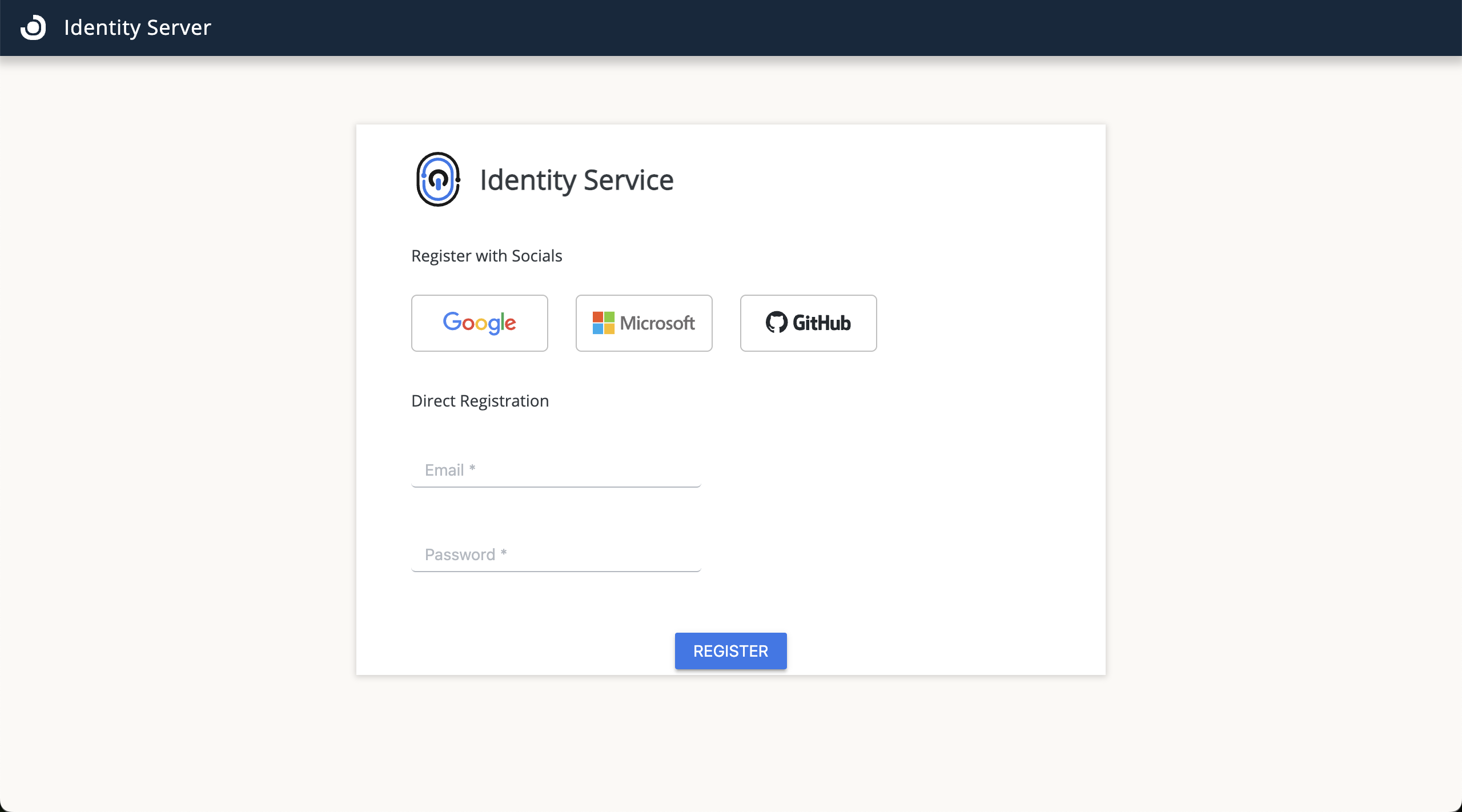 Identity 登録画面
-
ソーシャルログイン (Google、Microsoft、または GitHub):
- プロバイダーを選択します。
- プロバイダーのログインページで認証を行います。
- 認証後、OpenLM のホームページとオンボーディングガイドにリダイレクトされます。
-
直接登録:
- ユーザー名を入力し、パスワードを作成します。
- Register をクリックします。
- 登録後、Login をクリックしてシステムにアクセスします。
- OpenLM のホームページとオンボーディングガイドにリダイレクトされます。
製品を有効化する
次のステップ
コンポーネントの認証 に進み、オンプレミスコンポーネントが接続に必要な認証ファイルを生成してください。