シャドウ拒否
Shadow License Capping レポートは、定義されたシャドウライセンスポリシーに基づいてアプリケーション利用が制限されたすべてのキャッピングイベントの詳細を表示します。各キャッピングインスタンスをユーザー、システム、アプリケーションレベルの詳細情報とともに追跡し、ライセンス制御の挙動を正確に監視・検証できます。シャドウライセンスのキャッピングイベントを取得・分析・可視化することで、透明性、コンプライアンス、ライセンス利用の最適化を確保します。
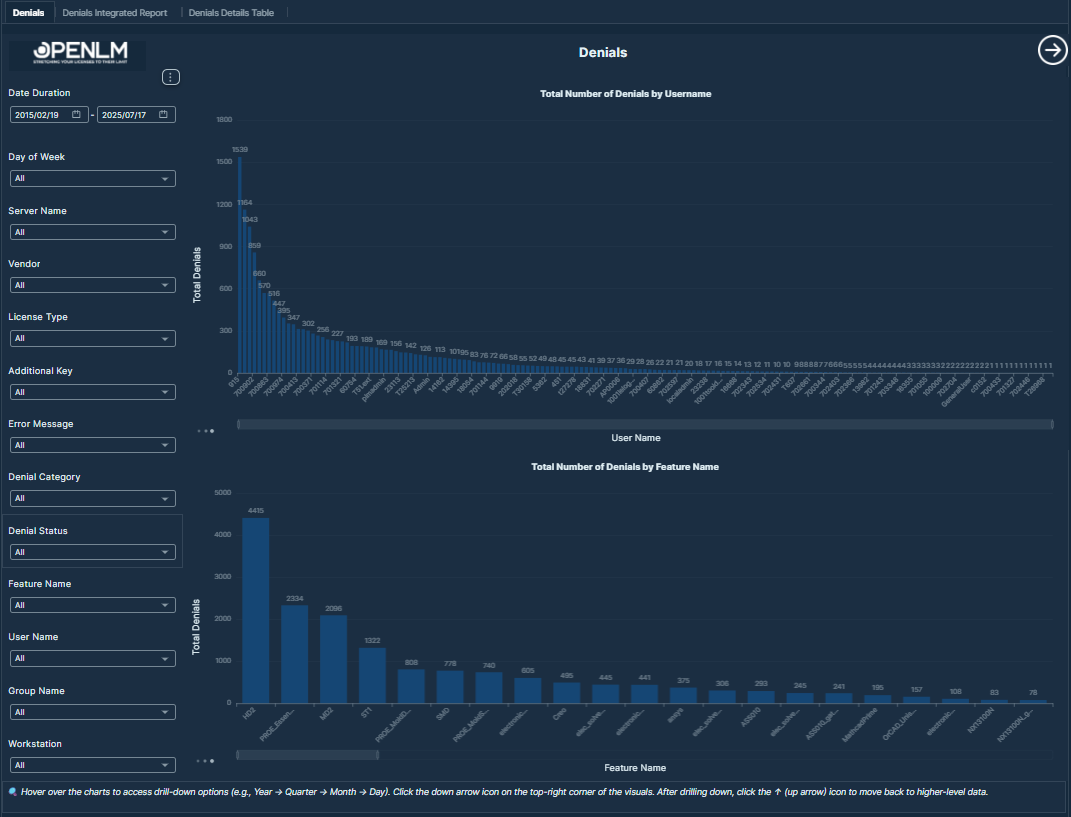 Shadow License Capping 概要ダッシュボード:合計キャッピングイベント数、成功セッション数、拒否率などの主要 KPI のほか、影響を受けたベンダーとアプリケーションの上位、消費ポリシータイプ別のキャッピング分布、ユーザー別のキャッピングイベントを表示します。
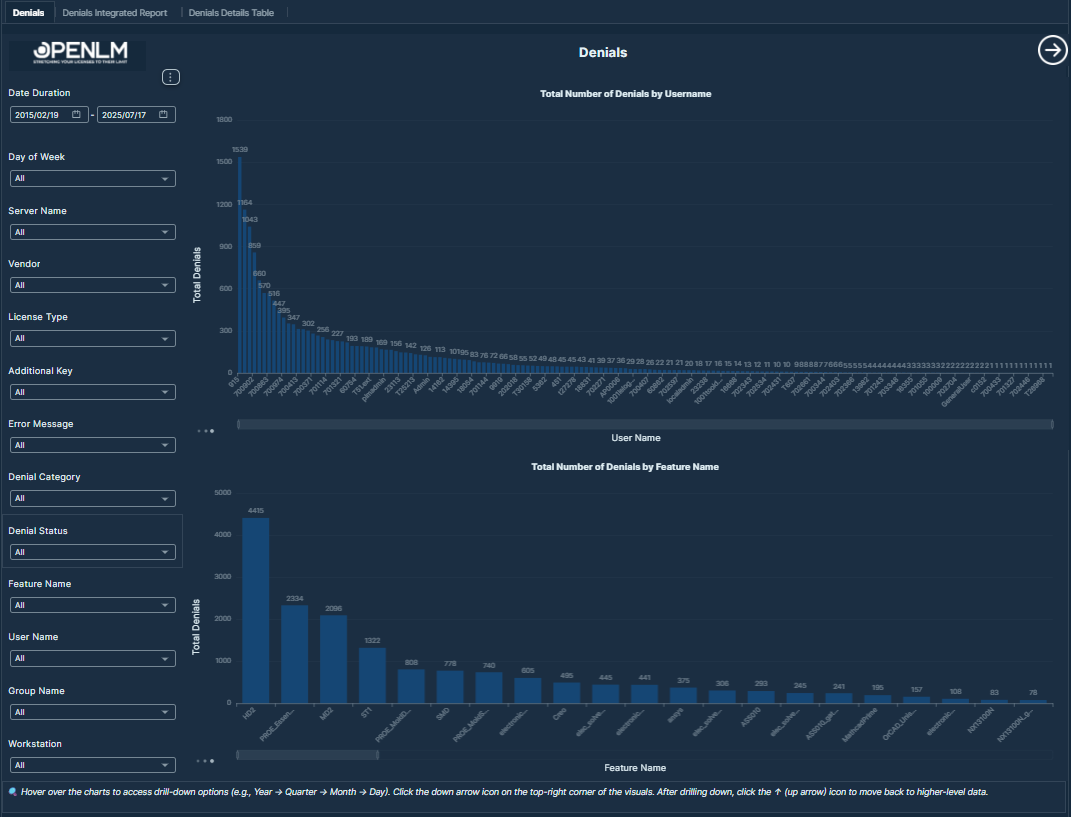 Shadow License Capping 分析および詳細イベントテーブル:キャッピングイベントの時系列推移、ユーザーごとの拒否率、ワークステーション別キャッピング分布、およびユーザー、ワークステーション、アプリケーション、ベンダー、ポリシータイプ、拒否ステータスなどのイベント単位データを取得した詳細テーブルを表示します。
KPI
- 合計キャッピングイベント数: 記録されたシャドウ拒否イベントの総数。
- 合計成功セッション数: 拒否されなかったセッションの総数。
- 拒否率 (%): (キャッピングイベント数 ÷ 合計チェックアウト試行数)× 100 で算出。合計チェックアウト試行数 = 成功セッション数 + 拒否数。
視覚化
-
影響度トップ分析: キャッピングイベント数に基づき、もっとも影響を受けたベンダーとアプリケーションを表示します。これにより、ライセンス制限の影響を強く受けているソフトウェアやベンダーを特定し、最適化やポリシー調整の候補を見つけられます。
-
キャッピング分布チャート: さまざまな消費ポリシータイプ(プロセス、ワークステーション、ワークステーション上のユーザーなど)にわたって、キャッピングイベントがどのように分布しているかを可視化します。これにより、どこでもっとも頻繁に制御が適用されているかを特定できます。
-
時系列分析: キャッピングイベントの時間推移を表示し、選択した期間内の急増、繰り返しパターン、ライセンス制御の挙動上の異常を検出できます。
-
ユーザー別拒否率チャート: 各ユーザーの拒否されたセッションの割合を表示し、ライセンスキャッピングの影響をもっとも受けているユーザーを特定するのに役立ちます。アクセス上の問題のトラブルシューティングやユーザー体験の改善に有用です。
-
ユーザー & ワークステーションチャート: ユーザーとワークステーションごとのキャッピングイベントを比較できる視点を提供します。これらのチャートは、ライセンス制限に頻繁に遭遇する特定のユーザーやマシンを特定するのに役立ちます。
-
詳細キャッピングテーブル: ユーザー、ワークステーション、アプリケーション、ベンダー、ポリシータイプ、拒否ステータスなど、イベント単位の細かいデータを表示します。このテーブルは、個別のキャッピングイベントの詳細分析、監査、検証に役立ちます。
表示される値:
-
ユーザー名: ライセンスキャッピングが適用されたユーザーアカウント。
-
ワークステーション: アプリケーションがアクセスされたマシン/ホスト。
-
IP アドレス: キャッピングイベント発生時のワークステーションの IP アドレス。
-
キャッピングタイムスタンプ: キャッピングが発生した正確な日時。
-
アプリケーション名: キャッピングイベントを発生させたアプリケーション。
-
ベンダー名: アプリケーションに関連付けられたソフトウェアベンダー。
-
トラッキングタイプ: 利用検出に使用された方式(プロセス、ファイル、またはディレクトリ)。
-
消費ポリシータイプ: キャップが適用されたレベル(プロセス、ワークステーション、またはワークステーション上のユーザー)。
-
シャドウライセンスポリシー: キャップ適用の根拠となったポリシーまたはルール。
-
拒否ステータス: キャッピングによりセッションが拒否されたかを示します。
-
上限: 適用されたポリシーの下でのライセンス利用しきい値。
-
フィルター:
-
日付: キャッピングイベントを分析する特定の期間を選択できます。
-
ユーザー: 個別ユーザーごとのキャッピング状況を追跡できます。
-
ワークステーション: このフィルターから任意のワークステーションを選択できます。
-
アプリケーション名: このフィルターから任意のアプリケーション名を選択できます。
-
ベンダー: このフィルターから任意のベンダーを選択できます。
-
トラッキングタイプ: 利用検出方式(プロセス、ファイル、ディレクトリ)でフィルターできます。
-
消費ポリシータイプ: キャッピングポリシーの適用方法でフィルターできます。
-
拒否ステータス: true / false の拒否ステータスでフィルターできます。