LDAP Connector設定
LDAP Connector とは
LDAP Connector は、Source Directory の User と Group のエンティティデータを Amazon S3 または SQS に保存できます。エンティティデータを自社ソリューション(例: ソフトウェア)で利用したい場合に便利です。
前提条件
- OpenLM SLMC 登録
- OpenLM SLM DB と同期したい場合は Directory Sync の有効化と設定
(Amazon S3 または SQS のみに同期する場合は不要) - Cloud Portal で LDAP Connector を有効化
設定
- Cloud Customer Portal で LDAP Connector を有効化します。
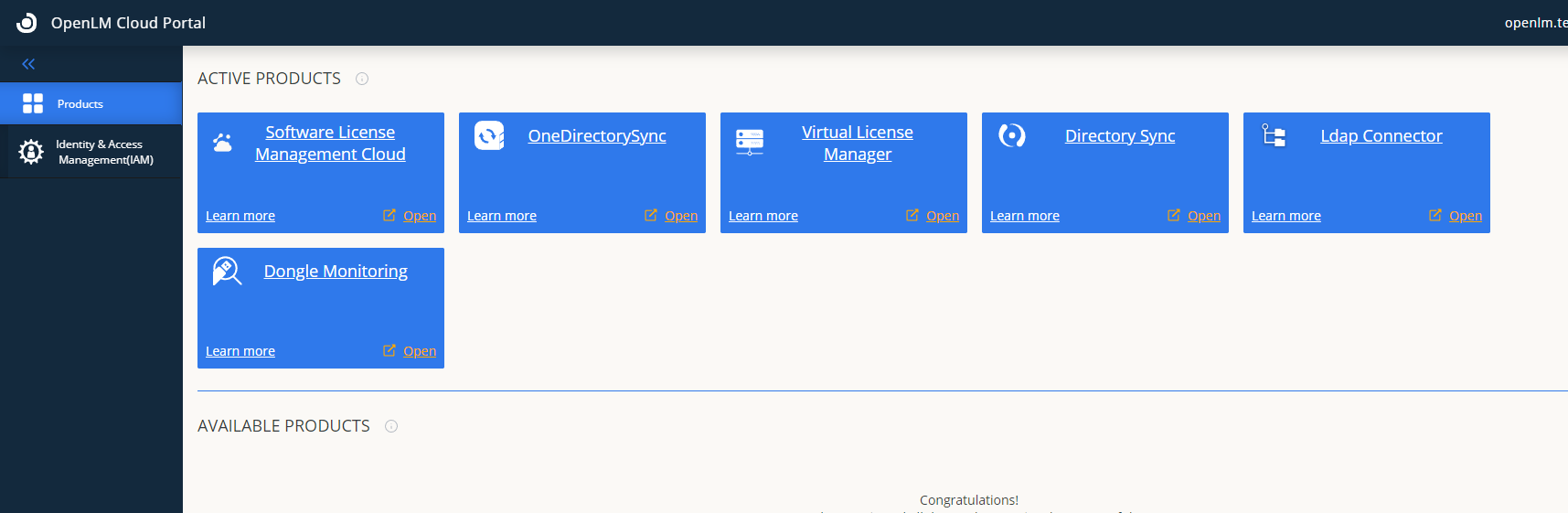
- Directory Sync でソースの Active Directory を設定します:
Cloud-directory-sync - Active Directory
- eDirectory
- ApacheDS
- AzureAD
- Google CDS
- Directory Sync の Synchronization 設定を構成します。
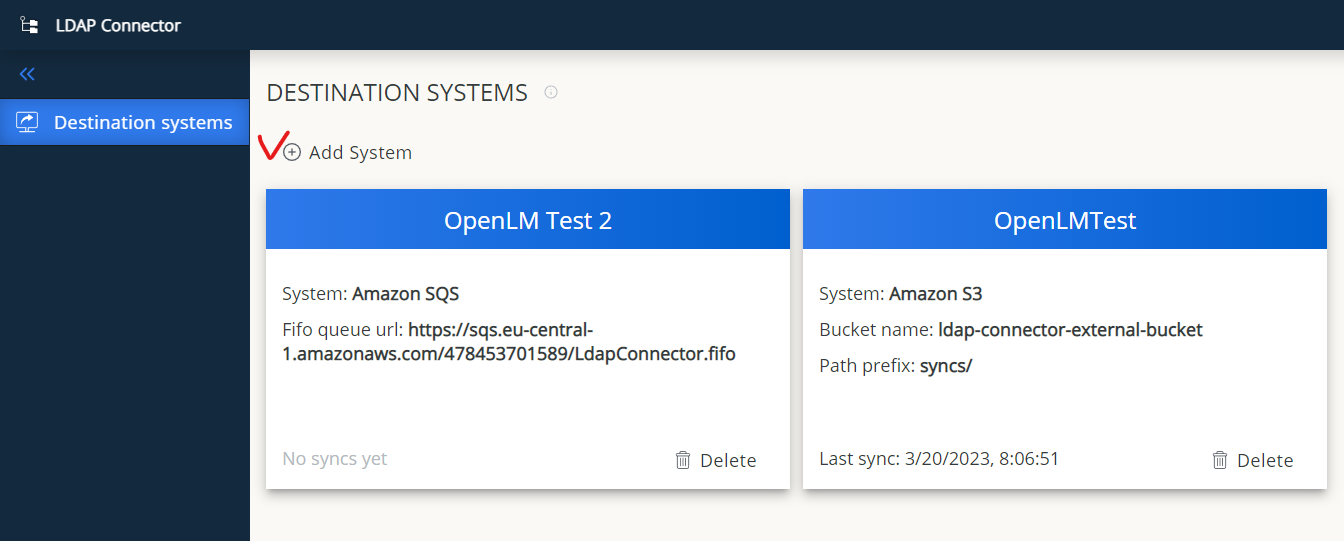
- LDAP Connector で宛先システムを設定します。
複数システムの登録が可能です。接続確認を行ってください。
Amazon S3
Amazon SQS
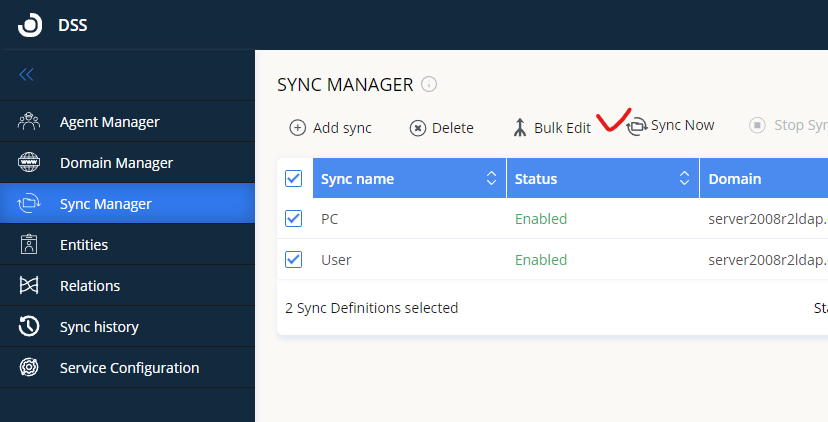
- Directory Sync に移動して手動で Sync を実行します。
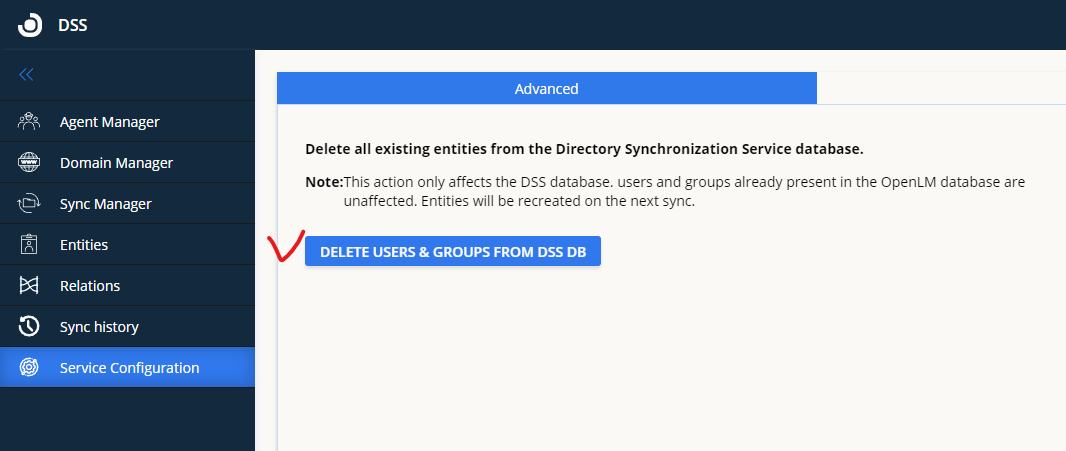
- LDAP Connector が動作しない場合は、Directory Sync Database のエンティティを一度すべて削除し、Sync を最初から実行してください。
- User と Group のエンティティが登録済みの宛先システムに保存され、同期されます。