Products

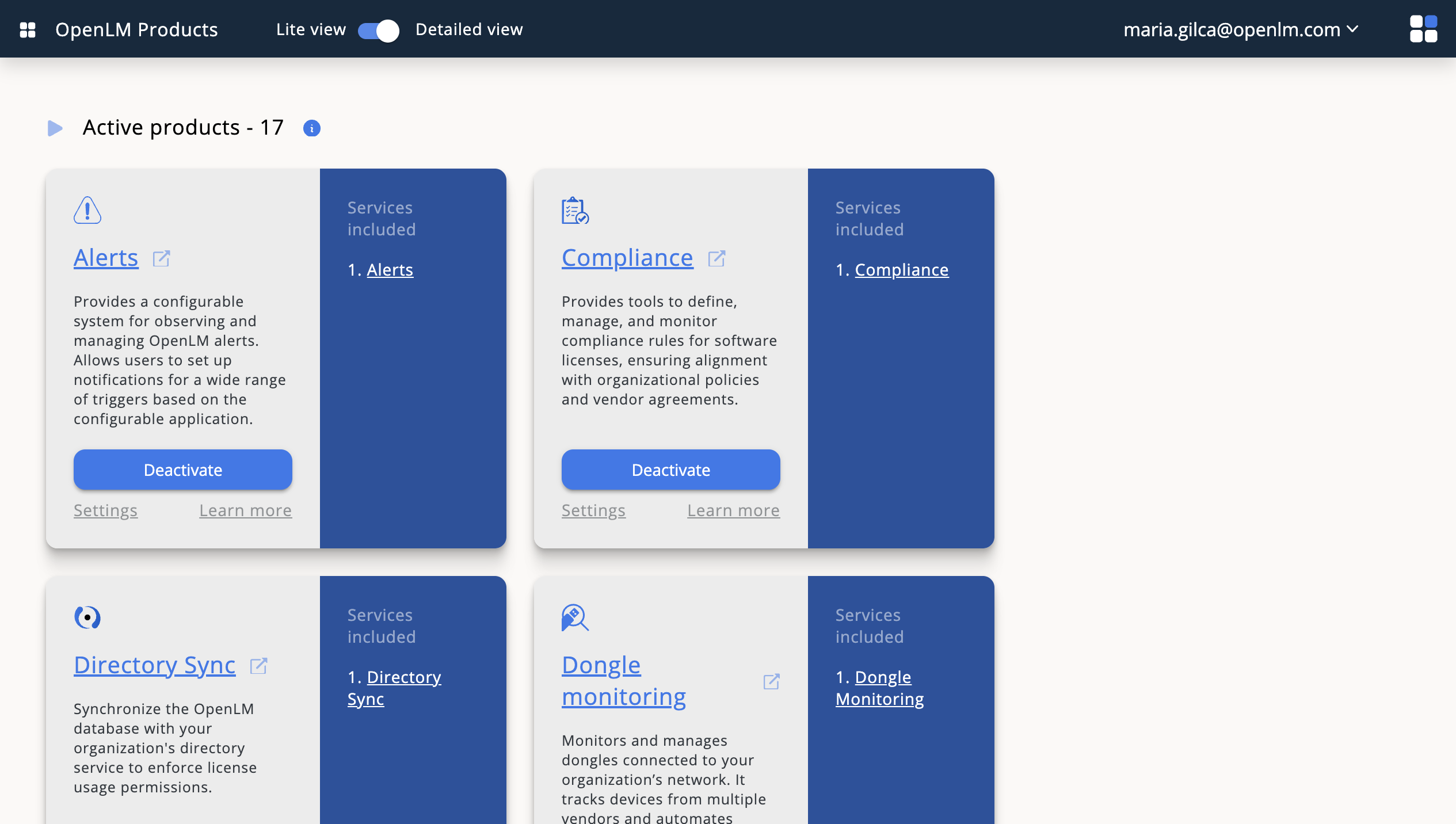
This guide provides detailed information about the configurations and features of the Products service. Follow the instructions below to set up and use the service effectively.

Overview

The Products service allows you to manage and organize your product catalog efficiently. It supports various configurations to customize the behavior and features to suit your needs.

Configurations

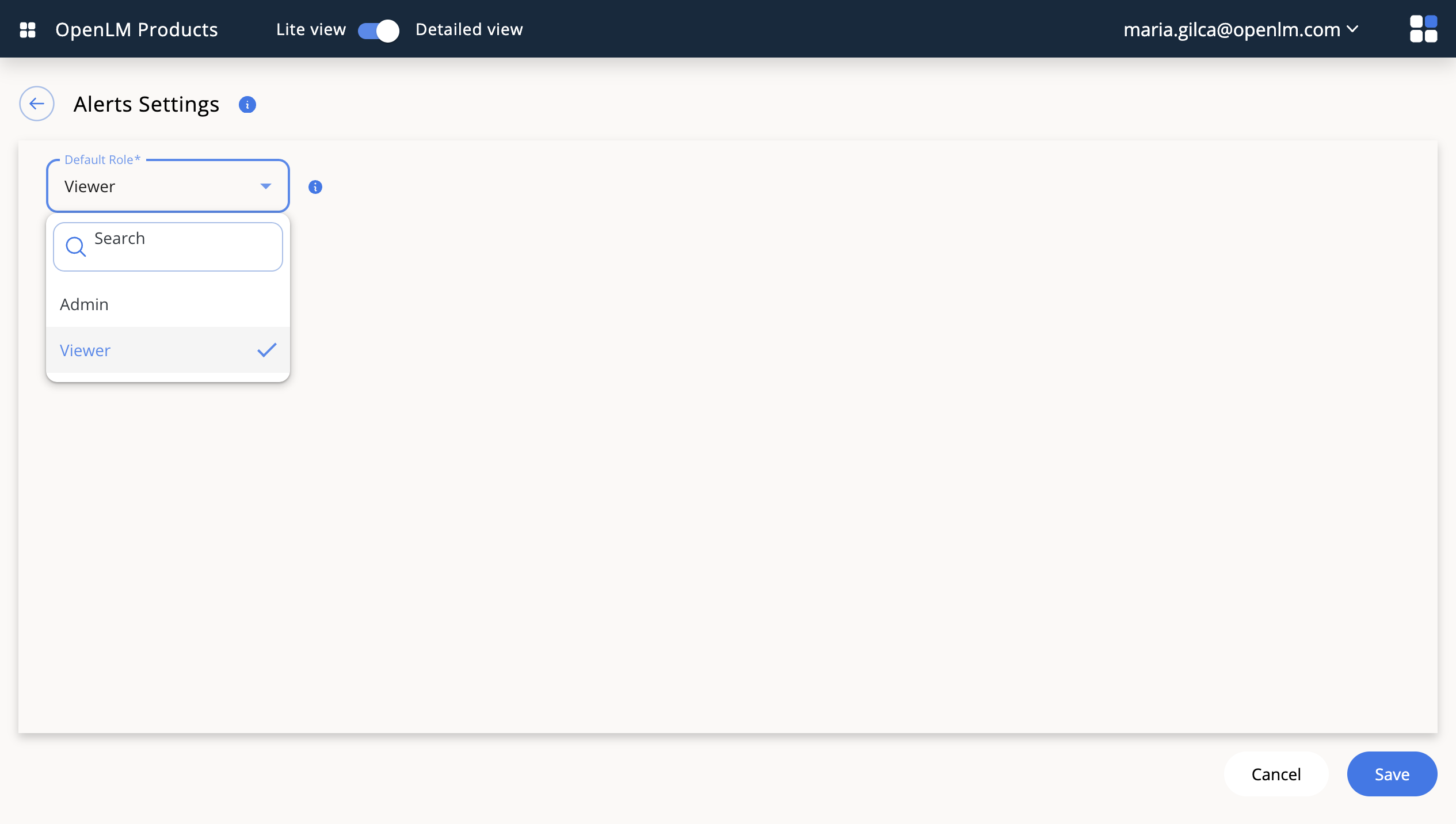
General settings

Configure the general settings to define the basic behavior of the Products service.

  • Product categories: Organize your products into categories for easier management.
  • Default currency: Set the default currency for product pricing.
  • Tax settings: Configure tax rates applicable to your products.
info

Ensure that you configure the default currency and tax settings before adding products to avoid inconsistencies.

Product attributes

Define custom attributes for your products to provide additional information.

  • Attribute types: Select from text, number, date, or dropdown.
  • Attribute visibility: Set attributes as public or private.
  • Attribute validation: Add validation rules to ensure data accuracy.
tip

Use dropdown attributes for predefined options to maintain consistency across products.

Inventory management

Enable inventory tracking to monitor stock levels.

  • Stock thresholds: Set minimum and maximum stock levels.
  • Out-of-stock notifications: Receive alerts when stock levels are low.
  • Automatic restocking: Configure rules for automatic restocking.
warning

Disabling inventory tracking will prevent stock level monitoring and may lead to overselling.

Features

Product catalog

The product catalog is the central repository for all your products.

  • Add products: Create new products with detailed descriptions and pricing.
  • Edit products: Update product information as needed.
  • Delete products: Remove products that are no longer available.
danger

Deleting a product is irreversible. Ensure you have a backup before proceeding.

Search and filtering

Easily find products using the search and filtering options.

  • Search by name or SKU: Quickly locate products by their name or SKU.
  • Filter by category: Narrow down results to specific categories.
  • Sort by price or popularity: Organize products based on user preferences.
note

Search and filtering options are case-insensitive for better usability.

Reporting and analytics

Gain insights into your product performance with built-in reporting tools.

  • Sales reports: Analyze sales trends over time.
  • Inventory reports: Monitor stock levels and restocking needs.
  • Customer feedback: Review customer ratings and comments.
info

Export reports in CSV format for further analysis in external tools.

Troubleshooting

Common issues

  • Products not displaying: Ensure the product is marked as active and assigned to a category.
  • Incorrect pricing: Verify the default currency and tax settings.
  • Stock discrepancies: Check inventory tracking settings and recent transactions.
tip

Lorem ipsum.